Home
Home is your personal dashboard inside Closot — a single place to see what's recent, what's coming up, and what's worth looking at next. Open it any time by clicking Home at the top of the sidebar.
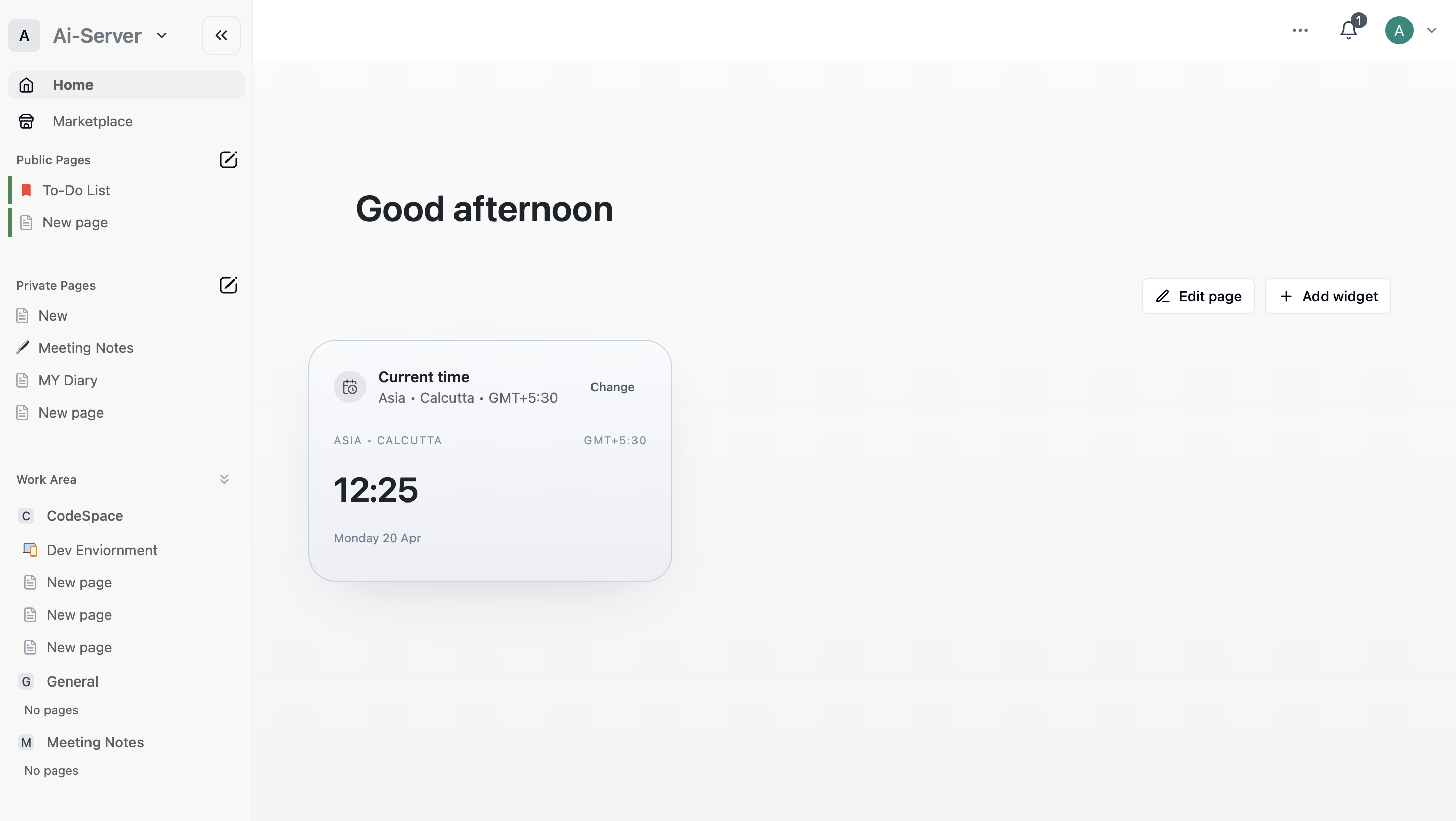
The page greets you by time of day and stacks a series of widgets underneath.
Recently Visited
The pages you've opened most recently, in a horizontal scroll with a timestamp on each card. This is the fastest way to pick up exactly where you left off without hunting through the sidebar.
Learn
A set of short guides and videos covering the fundamentals — getting started with your workspace, creating and organizing pages, using AI Meeting Notes, and more. Each card shows the estimated read or watch time.
Upcoming Events
Shows the meetings on your calendar for the day ahead.
Until you connect a calendar, this widget prompts you to do so and previews what it will look like. Connecting your calendar also lets Closot join calls, transcribe audio, and summarize meetings automatically — see AI Meeting Notes for the full workflow.
Suggested for You
Pages Closot thinks are relevant to you right now, based on your recent activity and what you have access to.
Trending
The pages seeing the most activity across your workspace. Useful for staying aware of what your team is actively working on, even in areas you don't visit daily.
Featured Templates
A rotating selection of templates from the Marketplace, each credited to its creator. Click one to preview it, or browse the full catalog through Marketplace.
Customize Your Widgets
Each widget has a ••• menu in its top-right corner for adjusting or hiding it. Use this to trim Home down to just the sections you actually use.