What Is a Database?
Databases are one of Closot's core features, giving you a structured way to manage and organize collections of pages.
Databases Are Collections of Pages
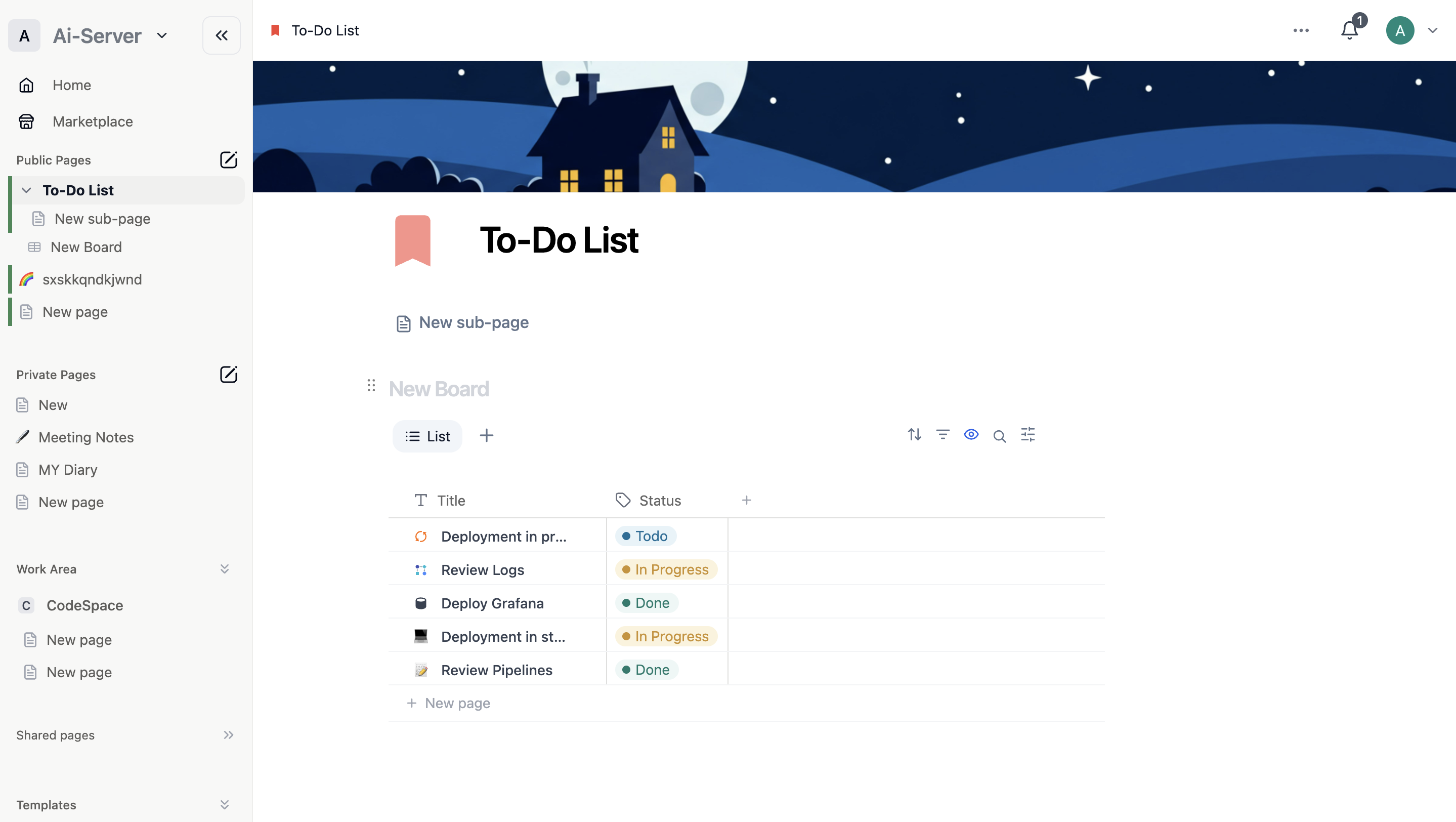
Picture a database like a filing cabinet or a notebook — a container that holds multiple related pages in one place. Each item in a database is its own individual page. List view gives you a bird's-eye look at everything in the collection at once. When you need to dig deeper into a specific item, open it to see the full page contents inside.
Databases Are Pages Too
Here's something that sets Closot apart: a database is itself a page. That means you can move it, nest it inside other pages, and treat it exactly like any other piece of content in your workspace.
Databases Have Properties
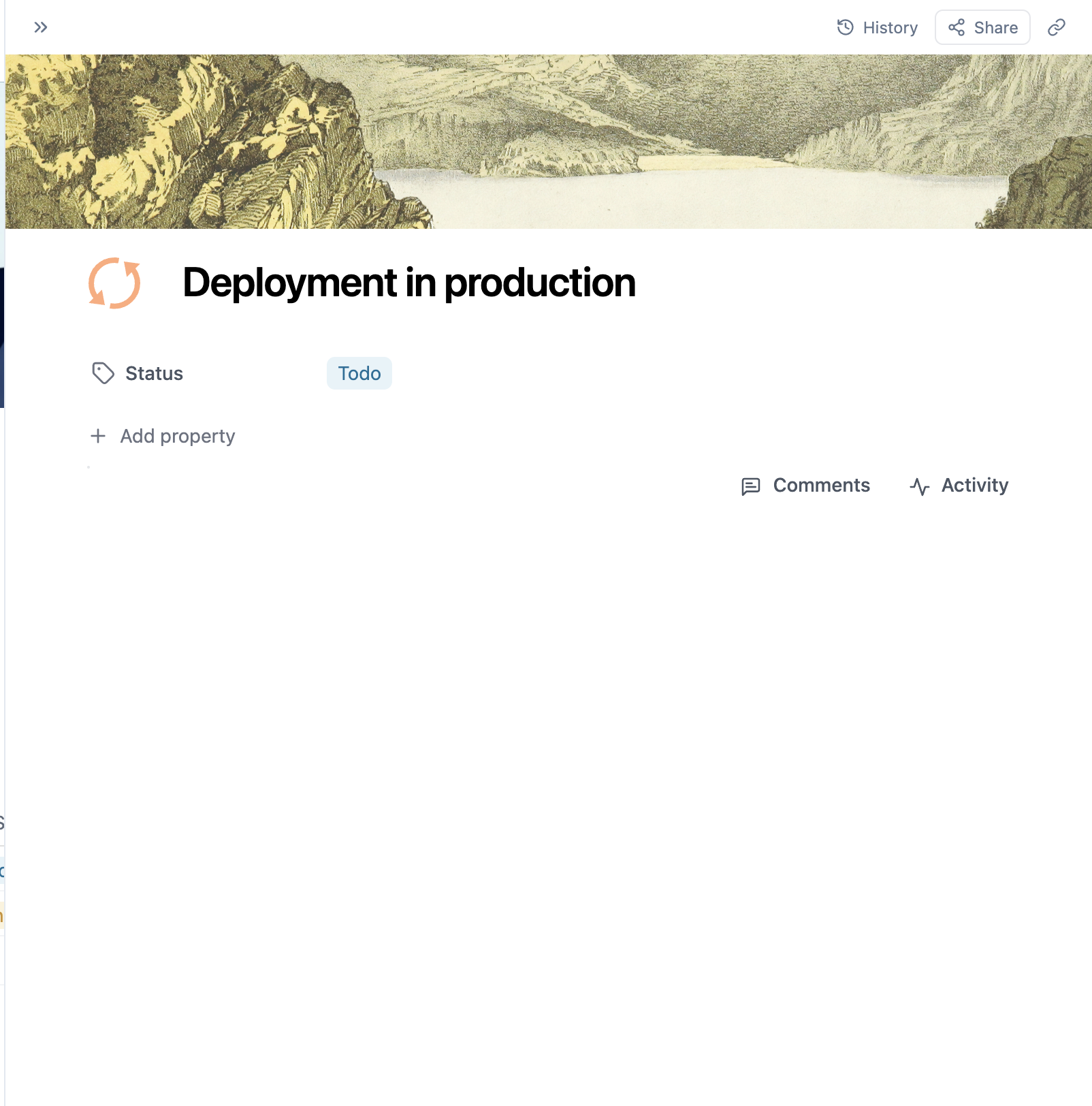
Properties let you attach structured information to each item in a database — things like a status label, a due date, an assignee, or a priority level. Once you've added properties, you can:
- Search for items that match specific criteria
- Filter to show only what's relevant right now
- Sort to arrange items in a meaningful order
Multiple Ways to View Your Data
The same database can be displayed in several different formats:
| View | Best for |
|---|---|
| List | Spreadsheet-style rows and columns |
| Board | Kanban-style cards grouped by a property |
| Calendar | Items arranged by date |
| Gallery | Visual grid, great for image-heavy content |
| Timeline | Gantt-style view for projects with durations |
| Chart | Visual data summaries |
Multiple Data Sources in One Database
A single database can pull together different types of related information simultaneously. For example, you might have contact details, company records, and deal information all living in one database as separate but connected data sources.
Up next: Create a database — Let's build one and explore what databases can actually do.