Start with a Template
A blank page is the hardest place to begin. Templates give you a working structure — properties, views, and sample content already in place — that you can adapt rather than design from nothing.
Starter Templates
Whenever you create a page, Closot offers a set of ready-made starters alongside the blank options. Each one sets up a database with sensible properties already configured:
| Template | What it sets up |
|---|---|
| Tasks Tracker | A task list with status and assignee, for staying organized your way |
| Projects | A project tracker grouped by stage, for managing work start to finish |
| Document Hub | A shared home for documents, with author and creation date |
| Brainstorm Session | An idea capture space with contributor and priority |
| Meeting Notes | Meeting records with date and category, for turning discussions into action |
| Goals Tracker | Team goals with owner and status |
To use one, click + next to Private Pages, Public Pages, or a workarea, then pick a template from the Suggested section.
Starting from Scratch Instead
The same menu offers three other ways in:
- Empty page — a blank page
- Empty database — a new database with no preset properties
- Build with AI — describe what you need and let Closot draft the structure
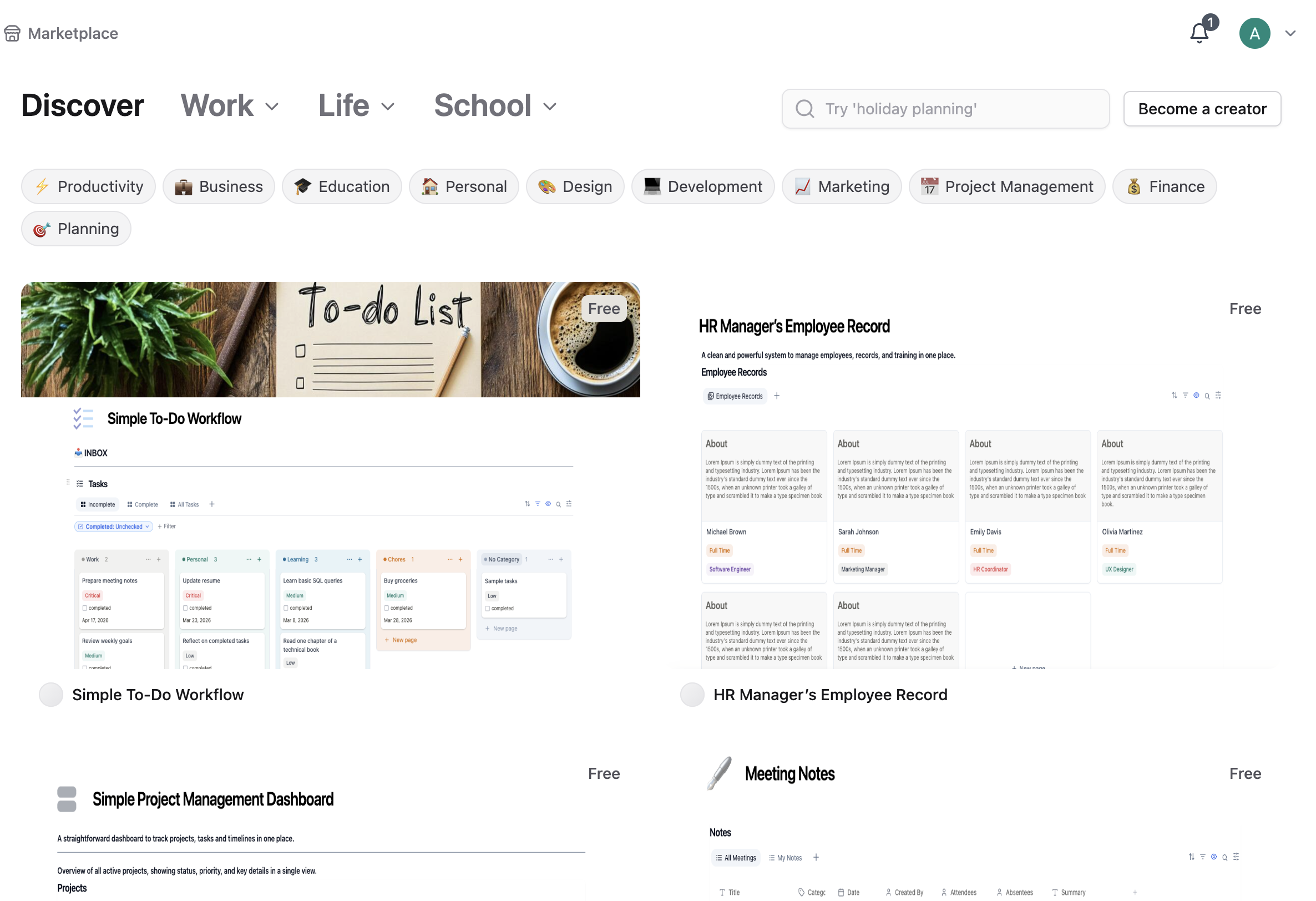
Find Templates in the Marketplace
The Marketplace holds templates built by the community, covering everything from personal productivity to team workflows.
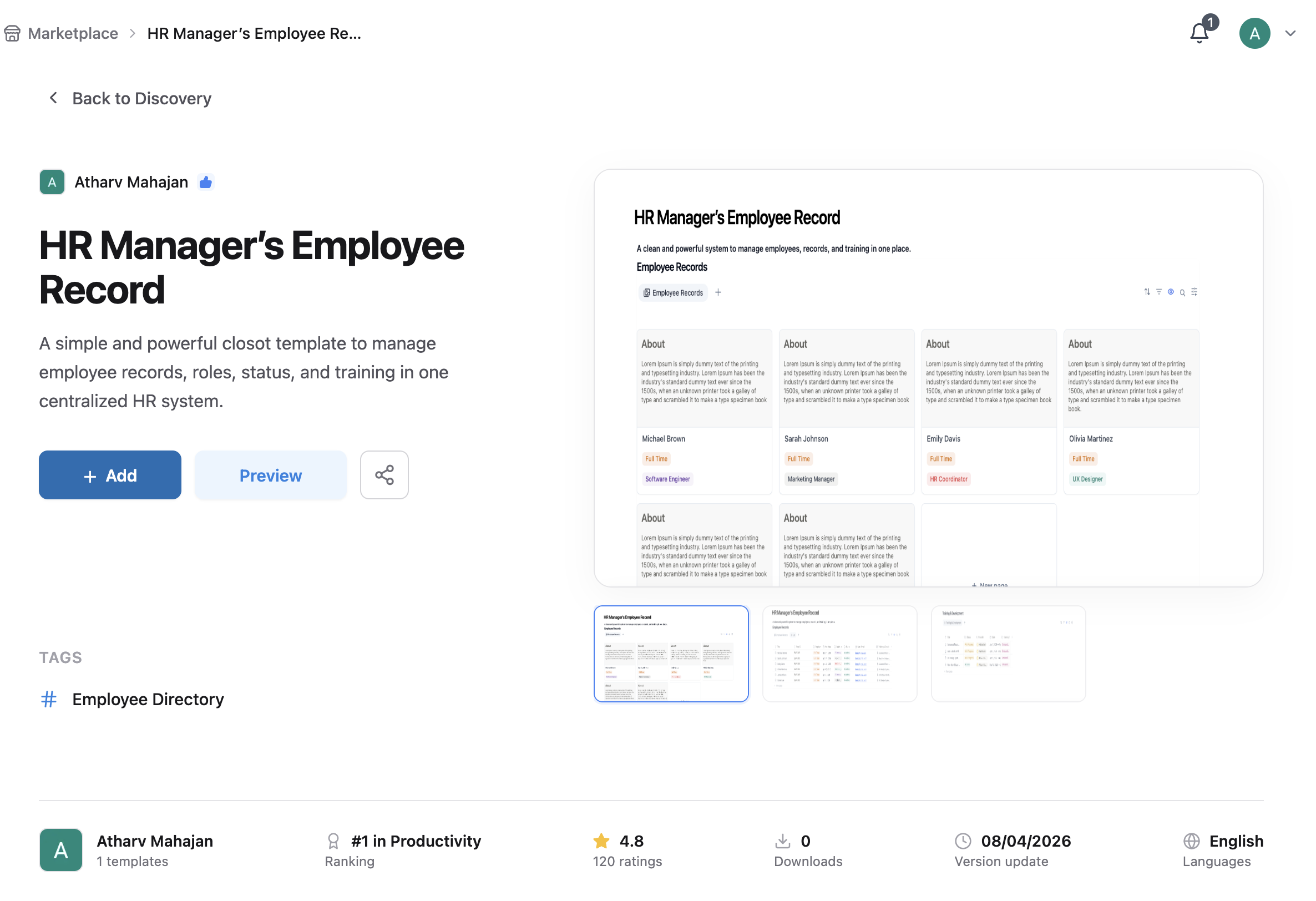
- Click Marketplace in your sidebar
- Browse by category or search for what you need
- Click Add to bring the template into your workspace
- Customize it to fit how you actually work
See Finding Templates in the Gallery for browsing, categories, and managing what you've added.
Turn Your Own Page into a Template
When you find yourself rebuilding the same page shape repeatedly, save it as a template instead:
- Open the page you want to reuse
- Click
•••→ Create template
Meeting agendas, project briefs, incident reports, and weekly reviews are all good candidates. See Page Actions Menu.
Remove a Template You Don't Want
- Click
•••next to the page name in the sidebar - Select Delete
Deleted pages go to Trash, so this is recoverable if you change your mind.